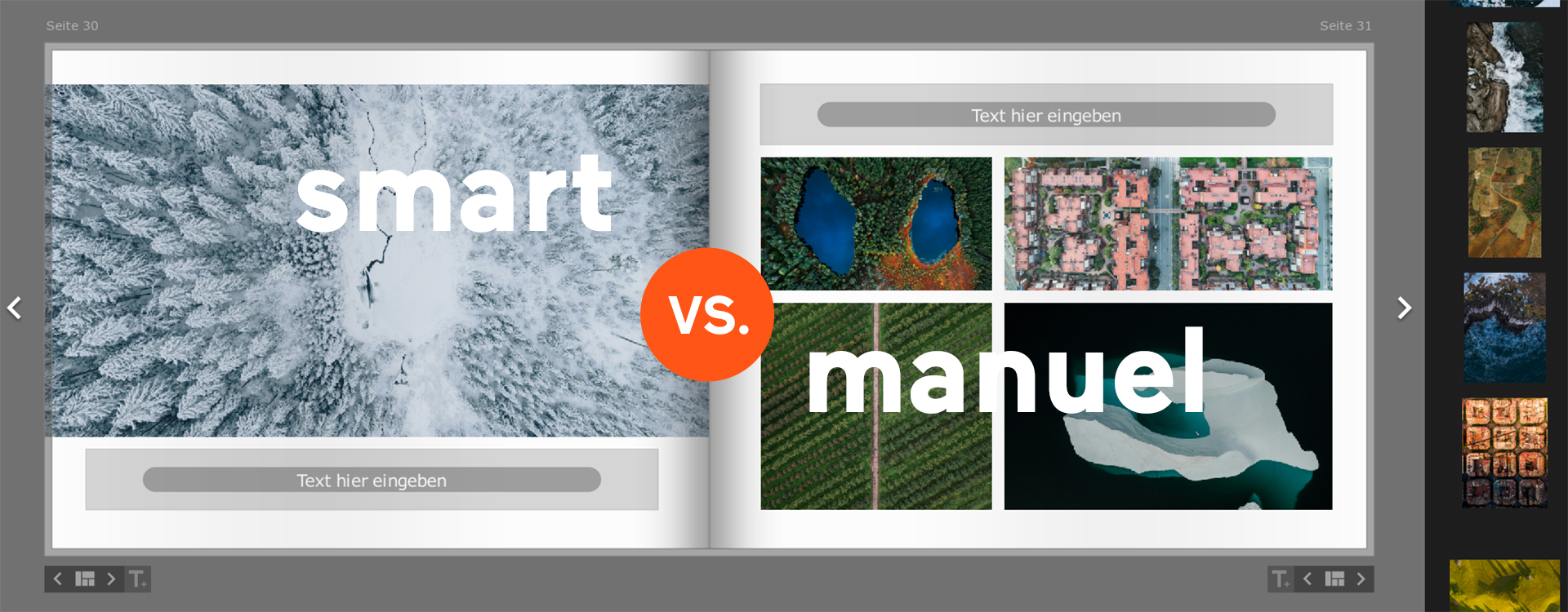
When working with the software, I like to switch between Smart Mode and Manual Mode. Smart Mode gives me quick results and useful layout suggestions, which I can then customise to suit my preferences in Manual Mode.
What exactly does Smart Mode do?
Smart Mode offers a range of predefined layout options. Depending on how many photos you want to place on a page, the design software selects one of the available layouts and automatically places your chosen photos into the image boxes.
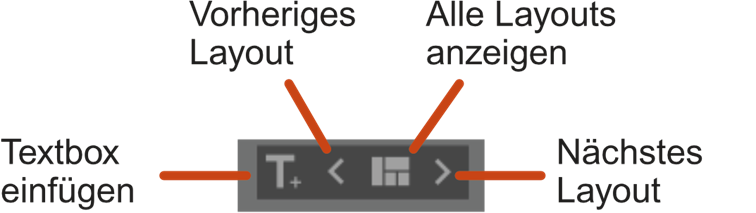
Once the image boxes are in place, you can switch between different layouts and add text boxes. Whenever you make changes, the software automatically adjusts the arrangement and suggests alternative layouts.
Tip: If you also enable facial recognition, Smart Mode will try to keep faces centred within the images.
What exactly does Manual Mode do?
Manual Mode gives you complete creative freedom in the Bookfactory design software. You can create your own grids, freely position text and image boxes on your pages, and save your favourite layouts for future use.

How do I switch between modes?
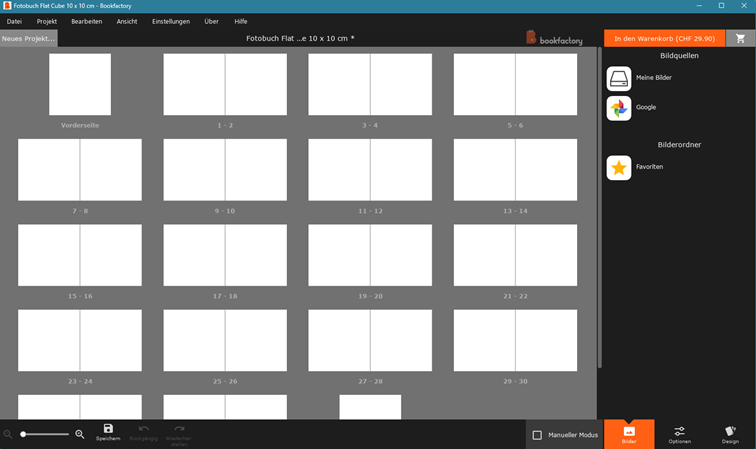
As of autumn 2026, your Bookfactory project starts in Smart Mode by default. To switch to Manual Mode, simply tick the «Manual Mode» checkbox.
Frequently Asked Questions
With Smart Mode in the Bookfactory design software, you can arrange your photos automatically on the pages. The software selects a suitable layout based on the number of images. You can then switch between different layout suggestions and customise your photo book to suit your preferences.
Enable facial recognition in the Bookfactory software. When used with Smart Mode, the software tries to position recognised faces as centrally as possible within the image boxes. However, you should still check the image cropping before placing your order.
Yes, in Manual Mode you can save layouts you have created yourself and reuse them later. This is particularly useful if you want to maintain a consistent design across several photo book pages or repeat specific image arrangements.
Smart Mode is ideal if you want to create your photo book quickly and easily. Manual Mode is perfect if you want to bring your own design ideas to life. For maximum flexibility, combine both modes: start with automatic layouts and then customise the design to your liking.