Anyone looking to create a photo book or personalise other photo products has different requirements when it comes to design software. While some want to create a finished photo book as quickly and easily as possible, others prefer maximum creative freedom or already work with ready-made PDF files.
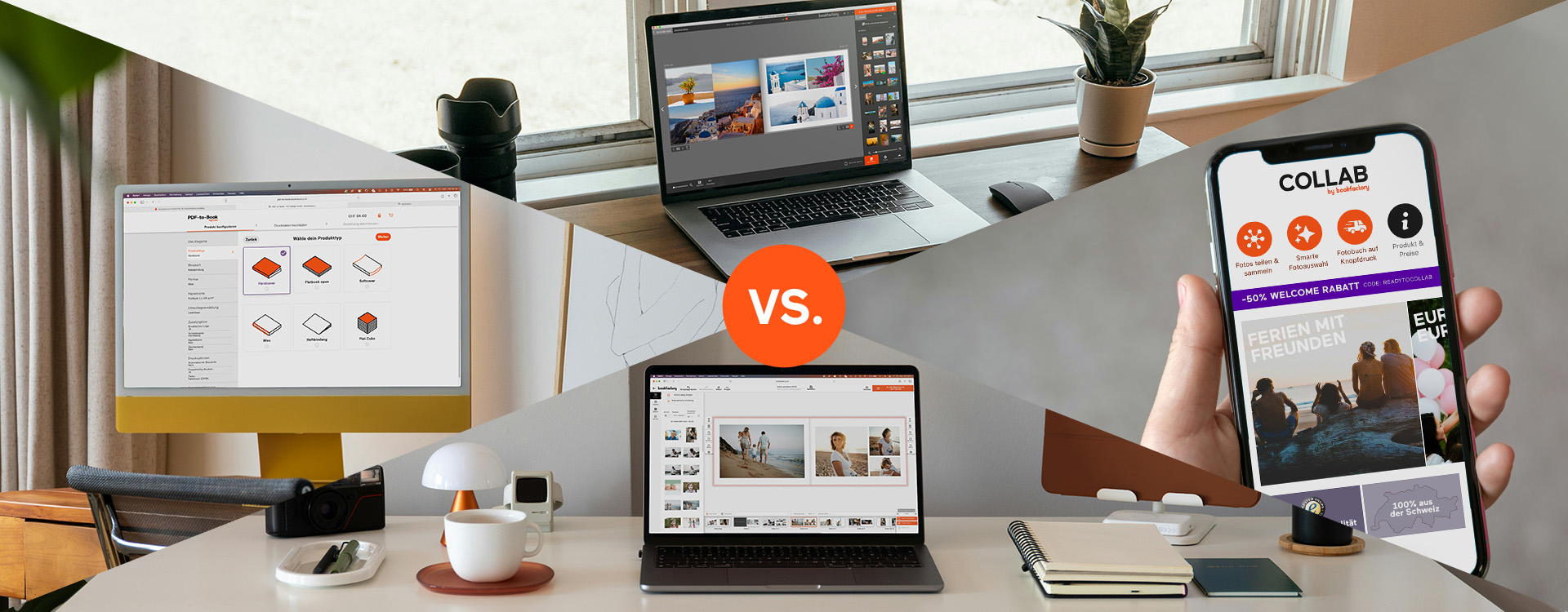
That is why Bookfactory offers four different editors for designing photo books, calendars, wall art and other photo products. From the intuitive Online Editor and the powerful Photo Book Software to the mobile app, each editor offers its own advantages and is suited to different types of projects.
To help you quickly find the right editor for your next photo book or photo product, we have summarised the most important features and differences for you.
The Bookfactory Software
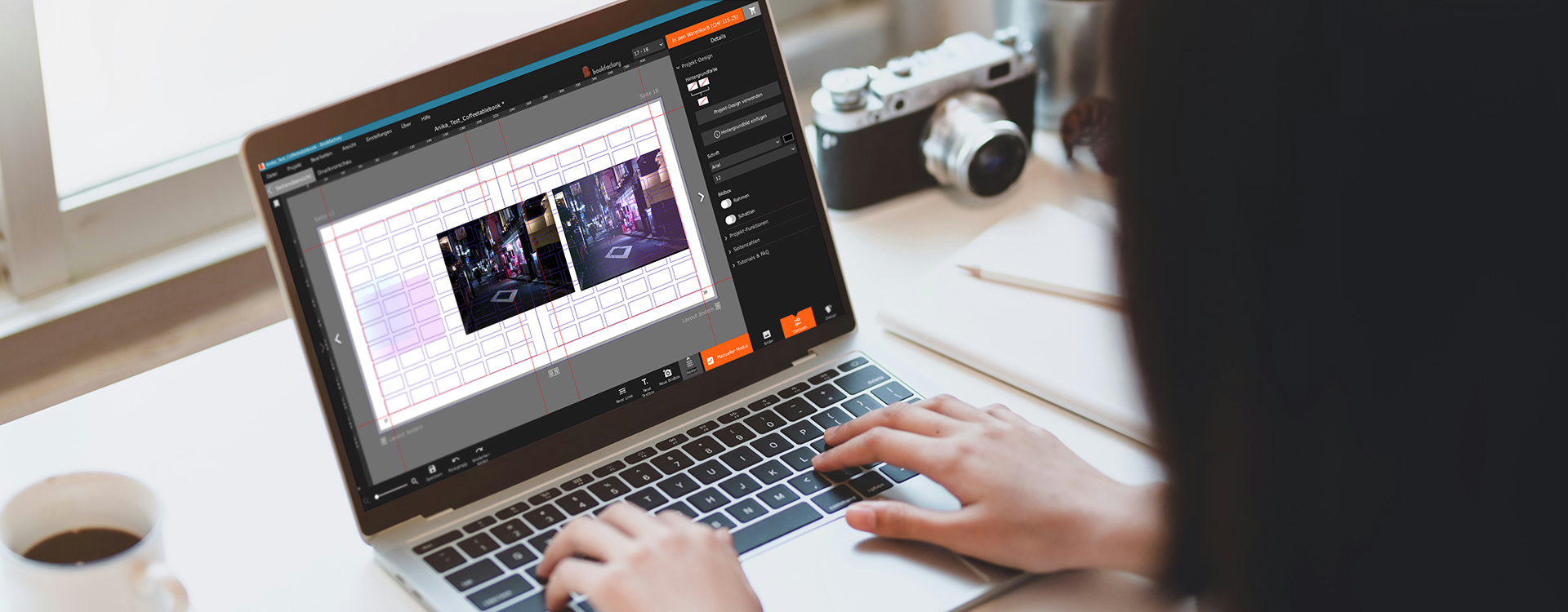
Our Photo Book Software offers the greatest design freedom of all Bookfactory editors. After downloading it free of charge for Windows or macOS, you can design all of our products exactly the way you want. Thanks to local storage, your projects remain permanently saved on your computer and can be edited or reordered at any time.
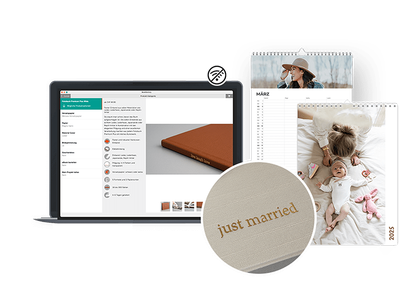
The software provides numerous layout and design options for anyone who wants to create a truly personalised photo book. At the same time, you can continue working on your projects even without an internet connection. A connection is only required when placing your order.
Who is the Bookfactory Software for? For anyone who wants to create a photo book with maximum creative freedom. It is ideal for creative users, photographers and anyone who regularly creates photo books or other photo products. It is also the perfect choice for those who prefer to work on their projects offline and independently of an internet connection.
The Online Editor
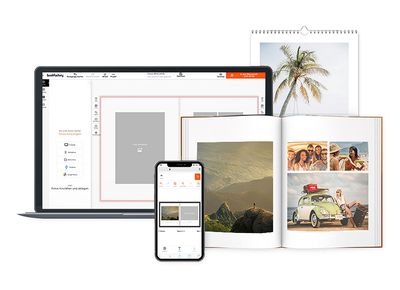
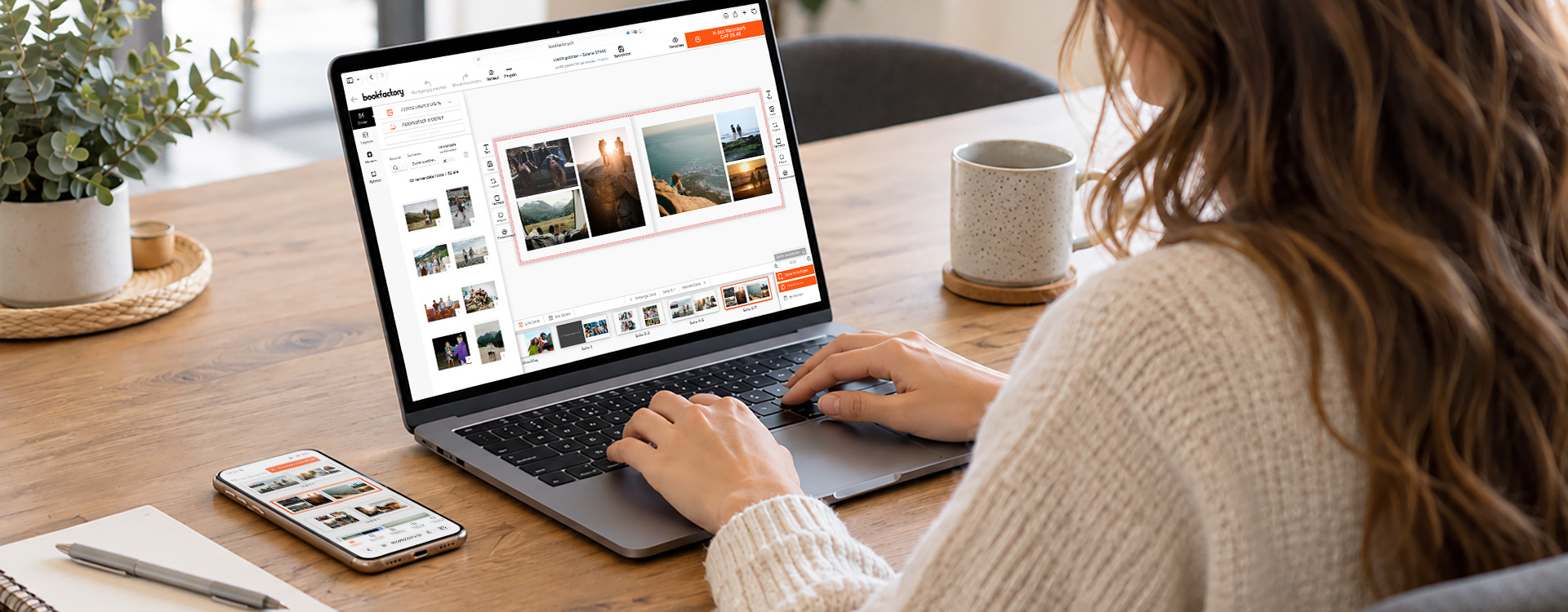
With the Online Editor, you can create your photo book directly in your browser without downloading any software. All you need is an internet connection. Because the editor is web-based, you can design your photo books, calendars and other photo products not only on your computer, but also on your tablet or smartphone.
You decide how much support you would like: create your photo book completely from scratch, use professional design templates or let the integrated Smart Editor do the work for you. After uploading your photos, the Smart Editor analyses your images, selects the best shots and automatically places them into an attractive layout. Of course, you can customise and adjust the result at any time according to your preferences.
Who is the Online Editor for? For anyone who wants to create a photo book online quickly and easily. Thanks to its intuitive operation and automatic design features, the Online Editor is ideal for beginners, occasional users and anyone who wants to create a high-quality photo book with minimal effort.
PDF-to-Book
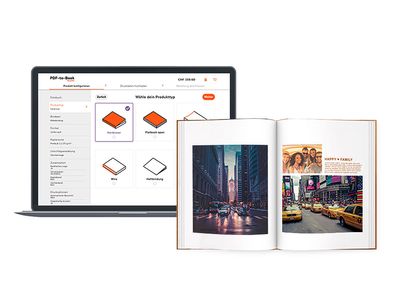
Would you like to print a customised book and already work with professional layout software? Then PDF-to-Book is the right choice for you. Simply create your book entirely in your preferred software and then upload the print-ready PDF files to us.
Numerous formats, bindings and paper types are available for your book project. The selection is even larger than for our traditional photo books. Before you begin, we recommend taking a look at our “First Steps” page. There you will find all the important information about preparing print files as well as helpful tips for achieving the best possible result. Whether you need a single copy, a small run or a medium-sized print run, PDF-to-Book allows you to have your book professionally produced.
The design process takes place directly in programs such as Adobe InDesign, Microsoft Word, Affinity Publisher or OpenOffice. Suitable layout templates for the different programs can be downloaded free of charge from our website. We generally do not recommend using Canva for PDF-to-Book, as the exported PDF files are structured differently from a technical perspective and may cause issues during print processing.
Who is PDF-to-Book for? For photographers, creatives, students, businesses and anyone who wants to design a book using their own layout software. Whether it is a portfolio, art book, photo book, annual report, club chronicle, thesis or family book, PDF-to-Book offers maximum freedom for customised book projects in professional print quality.
The COLLAB App
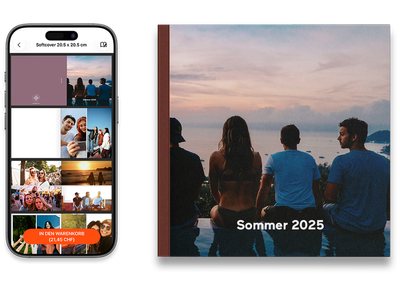
Would you like to create a photo book as quickly and easily as possible? Then our COLLAB App is exactly what you need. It was specifically developed to make creating photo books as simple as possible. Instead of offering countless design options, the app focuses on intelligent automation and an exceptionally fast workflow.
Simply upload your photos or select a specific time period from your photo gallery. The algorithm analyses your images, detects duplicates, selects the best photos and automatically creates a harmonious photo book layout. You only need to choose the format, page count and cover style – the app takes care of the rest.
A special highlight is the collaboration feature: friends, family members or fellow travellers can be invited to the project via a link and add their own photos. This makes it easy to create shared photo books from holidays, short trips, weddings, birthdays, club events or other special experiences. Afterwards, each participant can order their own copy.
Who is the COLLAB App for? For anyone who wants to create a photo book using an app without spending a lot of time on the design process. Thanks to automatic photo selection, layout creation and shared photo management, the app is ideal for travel memories, family moments, events and spontaneous projects. Perfect for anyone who wants to create a high-quality photo book quickly and directly on their smartphone.
Conclusion
The following questions can be answered with the right editor:
How can I get the greatest possible design freedom for my photo book?
Our free Bookfactory Software for Windows and macOS offers the most design features. It is ideal for anyone who wants to create a personalised photo book and control every detail themselves.
What is the fastest way from photos to a finished book?
With the COLLAB App from Bookfactory, you can create your photo book in just a few minutes. The algorithm selects the best images, automatically creates the layout and makes photo book creation exceptionally easy.
How can I create a photo book online?
With the Online Editor, you can create your photo book directly in your browser without downloading any software. You can use templates, design your own layout or let the Smart Editor do the work for you.
I have already designed my book in InDesign or Word. How can I get it printed?
With PDF-to-Book, you can upload your finished book as a PDF and have it professionally printed. Ideal for portfolios, theses, art books, club chronicles or individually designed photo books.