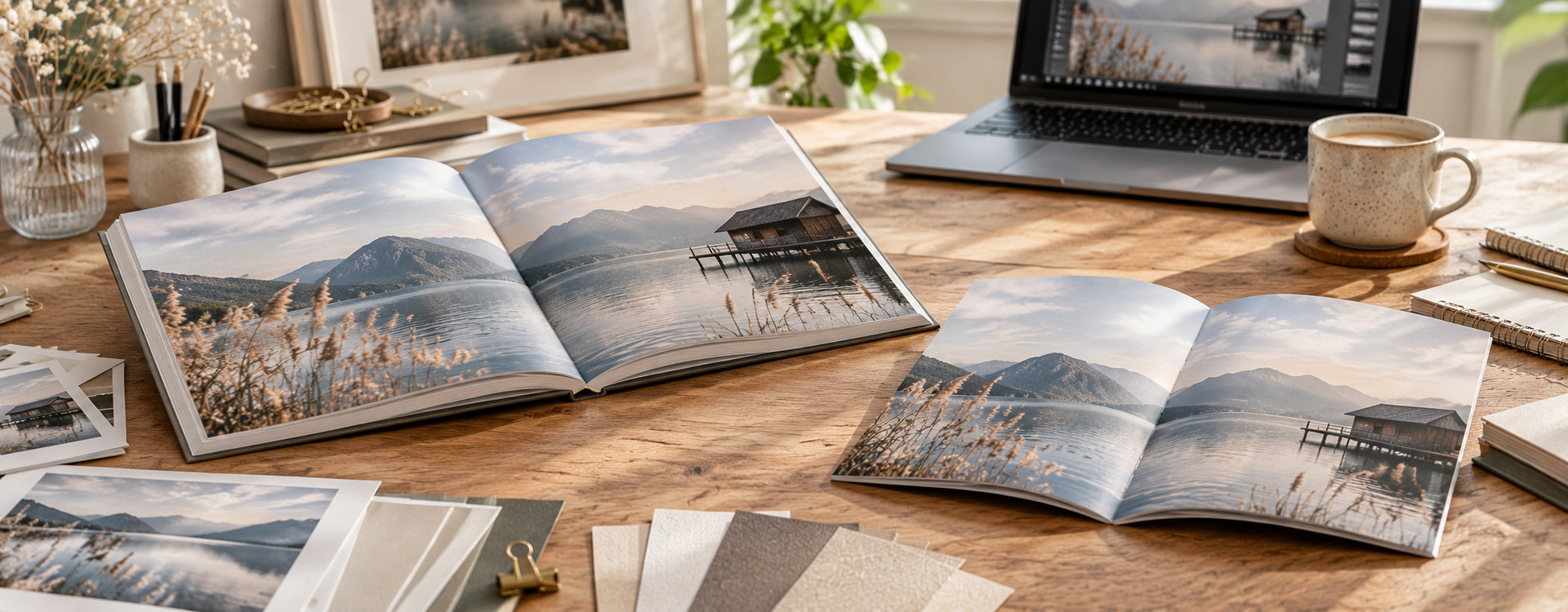
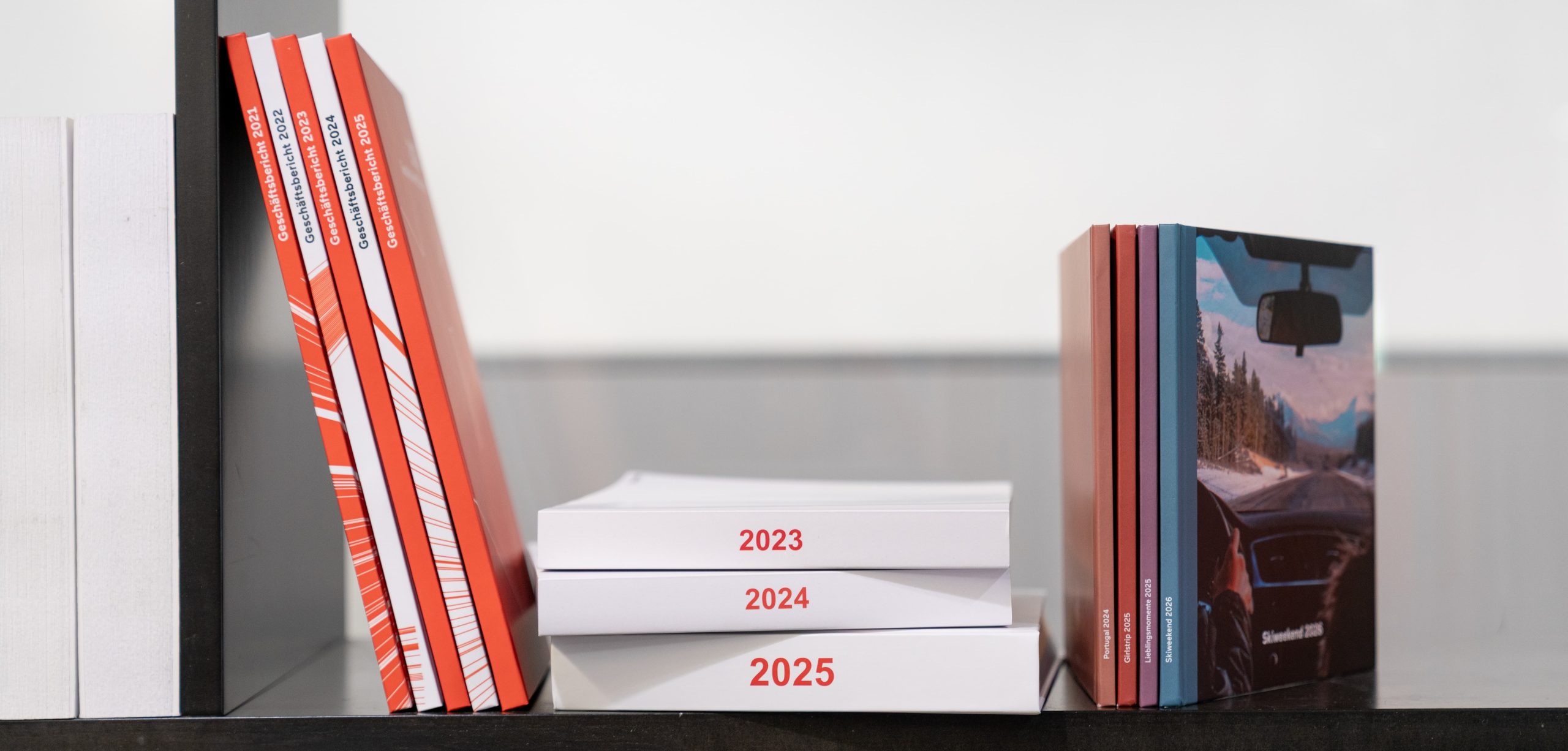
A photo book captures special moments, while a photo book series tells your story over many years. Whether you create annual reviews, family albums, travel books or special projects, a well-planned structure and a consistent design will result in a collection that not only preserves your memories but also looks impressive on your bookshelf.
With the Bookfactory software and the Collab app, you can create your photo books in a way that allows every new volume to blend seamlessly with the previous one. In this article, we show you how to plan a photo book series, which structure works best and how to maintain your personal style over the years.
Why a photo book series is worthwhile
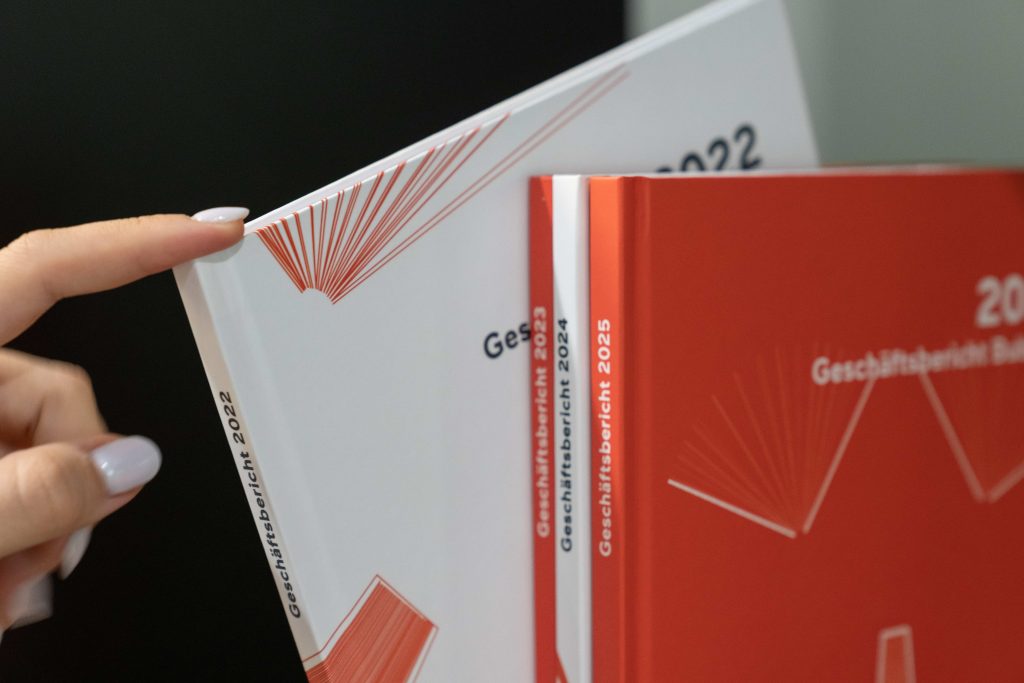
Instead of designing every photo book from scratch, it is worth developing a recurring concept right from the start. This saves time and creates a professional overall appearance.
Benefits of a photo book series:
- A consistent design over many years
- Less design work
- A recognisable style
- A harmonious appearance on the bookshelf
- Faster creation of new photo books
Photo book series are particularly popular for annual reviews, family albums, travel memories, weddings or documenting children as they grow.
How do I start a photo book series?

The foundation is laid with the very first photo book. It is therefore worth deciding early on which elements you would like to retain throughout the entire series.
These may include:
- Product type
- Binding
- Photo book format
- Cover design
- Fonts
- Colours
- Page structure
- Chapter structure
The more consistently you use these design elements, the more refined and professional your photo book series will look.
Should I organise my series by month, event or theme?
The best structure depends on your project. The following approaches have proven particularly effective.
Annual chronicle

Ideal for families and personal memories.
Possible chapters:
- January to December
- Holidays
- Birthdays
- Celebrations
- Christmas
- Special events
This way, a new volume is created automatically every year.
We also have a separate blog article about annual photo books in case you are interested!
Travel
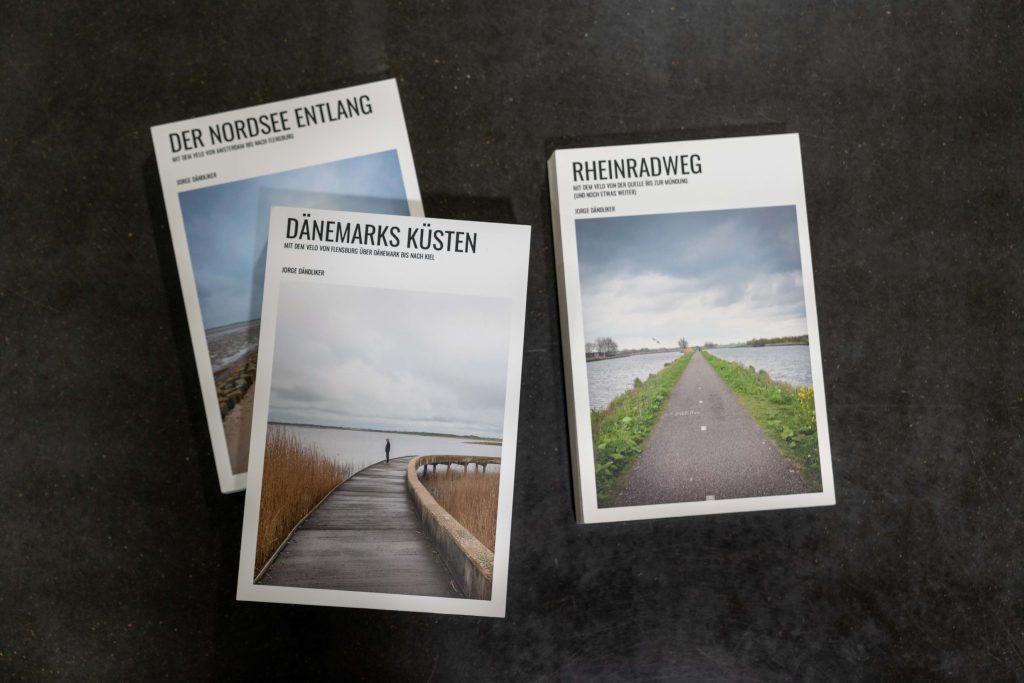
If you enjoy travelling, you can create a separate photo book for each journey or country.
Examples:
- Iceland 2024
- South Africa 2025
- Japan 2026
Themes or areas of life
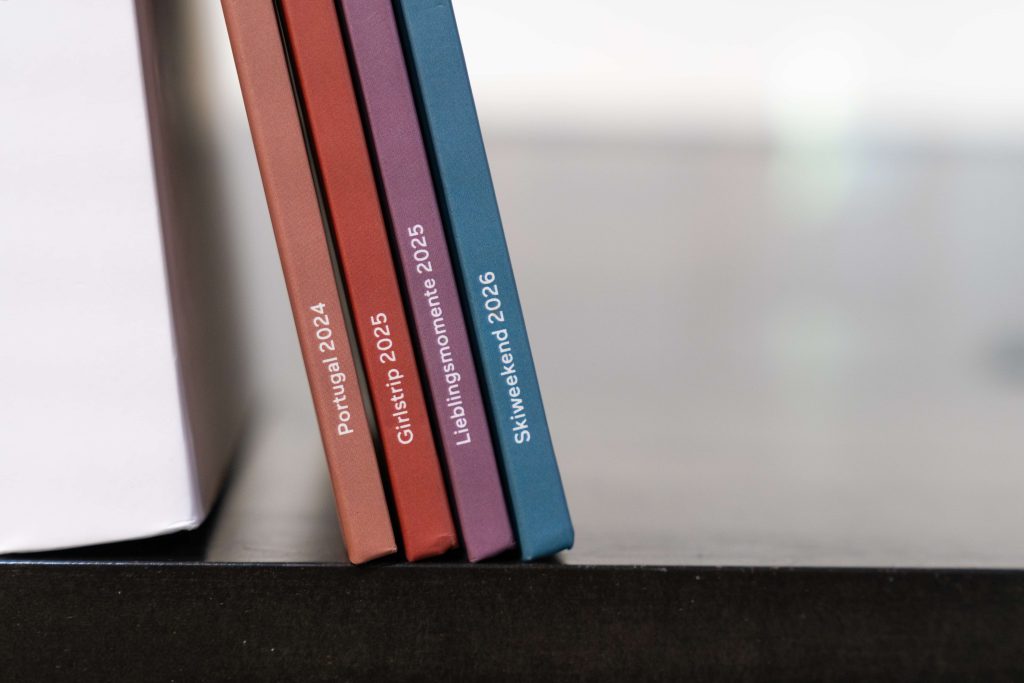
Organising your collection by theme is also an excellent option.
For example:
- Family
- Children
- Pets
- Hobbies
- Sport
- Club activities
This allows you to collect your memories independently of the calendar year.
How do I structure a photo book so that I can recreate it in the same way every year?
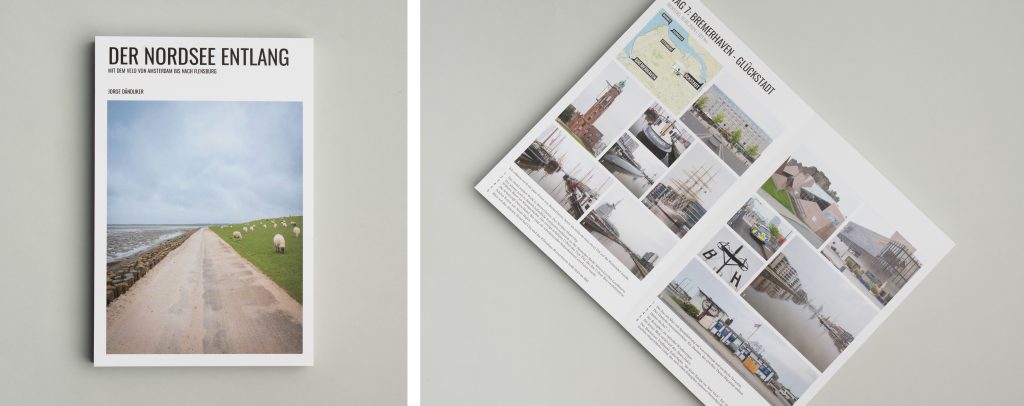
The easiest way is to create your own personal master template. Define the structure of your photo book once, including the chapters, pages and layouts. You can already position the image boxes or deliberately leave them out and initially create only the basic structure of the photo book. You can then save this file as a master file on your computer.
As the Bookfactory software stores all projects locally, you can copy this master file at any time, save it under a new name and add the photos and texts for the respective year.
This means you do not have to:
- recreate the page structure,
- set up the chapters again,
- redesign the layouts,
- and you can focus entirely on your new memories.
This turns your first photo book into a template for all future volumes.
Would you prefer not to create your own template from scratch? You may find one of our downloadable project templates that suits you! You can apply the following tips in exactly the same way, without having to worry about the design. You can also customise the template as you wish.
Workflow for a photo book series
With just a few steps, you can continue working from the same foundation every year.
- Design your first photo book with a clear structure.
- Save the project on your computer.
- Copy the project file for the following year.
- Replace the photos and texts.
- Adapt the cover and add new content.
This workflow saves a great deal of time while ensuring a consistent design. You can then use the file as a master template on your computer.
Define your own fonts, colours and layouts
The Bookfactory software offers numerous options for permanently saving your personal style.
Save your own layouts
If you have created a layout that you particularly like, you can save it permanently.
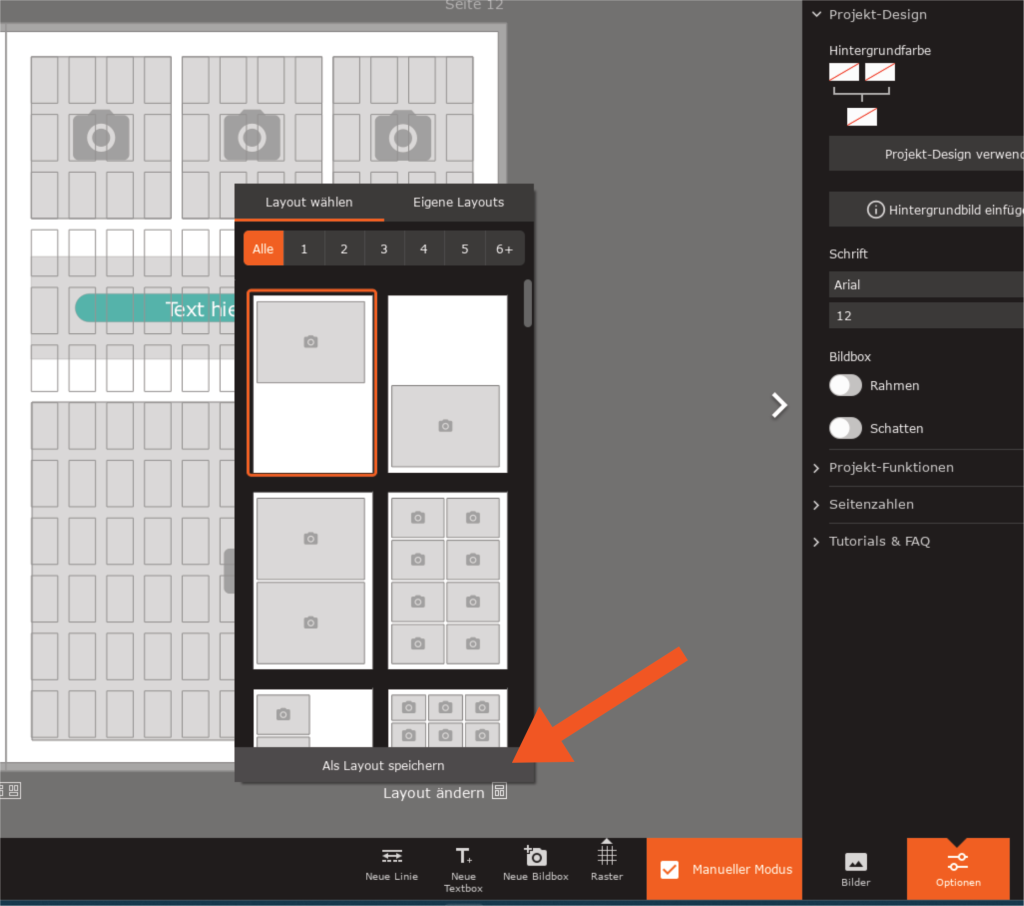
Under “Change layout”, you will find the “Save as layout” function. Your saved layouts will then appear under “My layouts” and will also be available to you at any time in new projects.
This allows you to reuse your favourite layouts without having to recreate them.
Save text styles
Your text formatting can also be reused.
Create a text box using your preferred font, font size and colour. You can then save this style using the plus symbol in the sidebar on the right and apply it to future projects with just a few clicks.
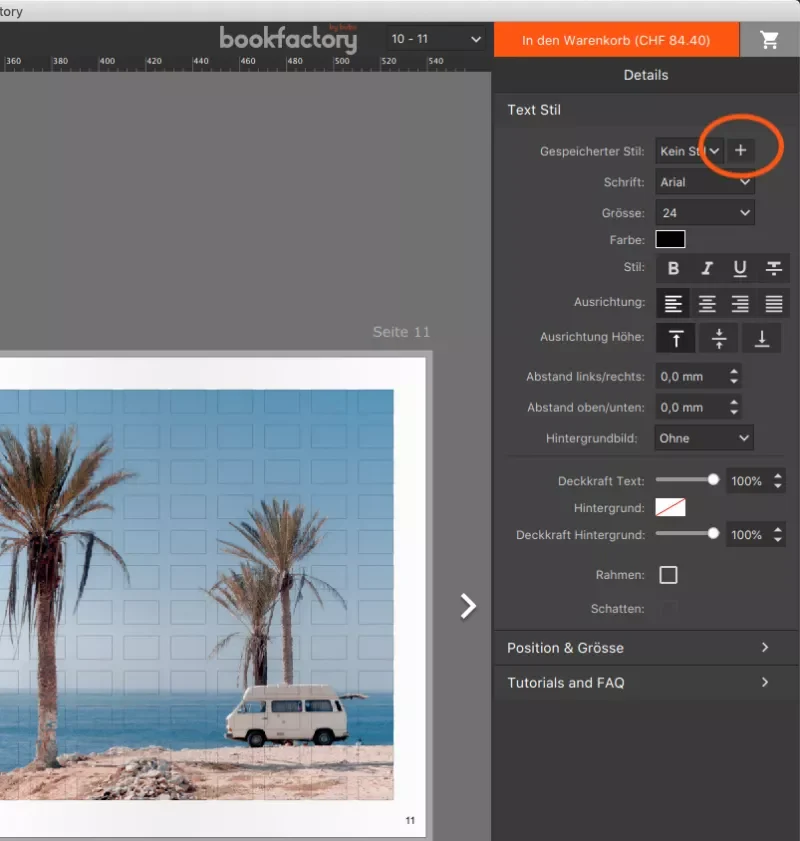
This ensures that the typography remains consistent throughout your entire photo book series.
Create a consistent photo book series easily with the Collab app
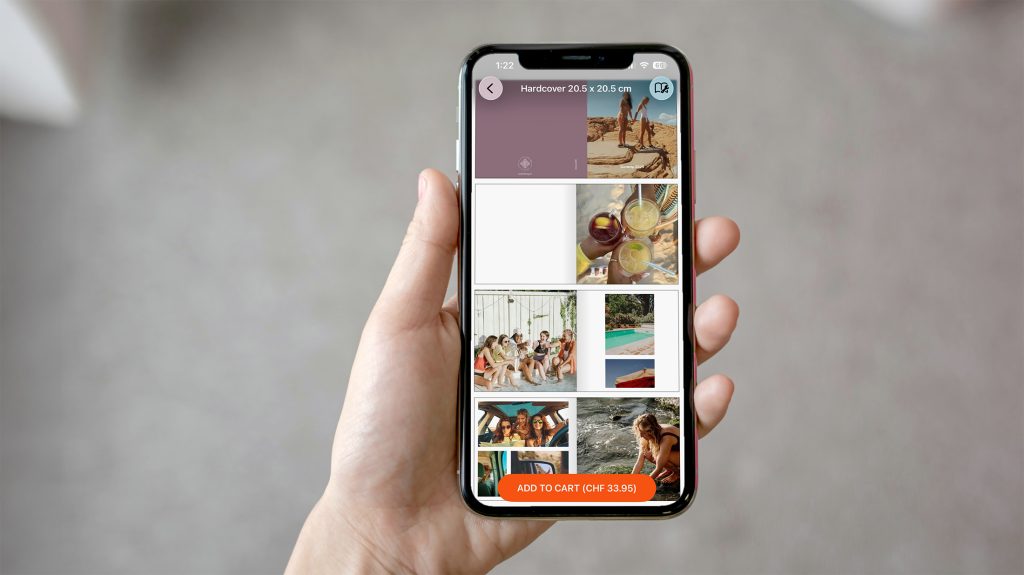
The Collab app also makes it particularly easy to create a consistent photo book series.
Unlike traditional design software, the app deliberately focuses on a manageable selection of products and design options. This automatically keeps your photo book series consistent, and you do not need to choose a new format or product type every year.
Choose a product type at the beginning of your series and use it for all future photo books. This creates a harmonious collection with a consistent overall appearance.
There are four different cover colours available. You can use these strategically to organise your photo books. For example, themes such as holidays, family or special events can each be assigned their own colour. As the product type and design remain the same, the result is a high-quality photo book collection with a clear structure.
The app then creates the photo book automatically, so you do not have to design the layout yourself.
Another benefit of the Collab app is that family and friends can easily contribute their photos to the shared project. This makes it ideal for birthdays, weddings, group trips or other occasions. Even when several people are involved, the design remains consistent and well organised.
Tips for creating a particularly attractive photo book series
To ensure that your series still looks cohesive after many years, it is worth following a few design rules consistently:
- Always use the same format and product type.
- Use recurring fonts and colours.
- Design the cover according to a fixed pattern.
- Keep the chapter structure as consistent as possible.
- Save layouts and text styles for future projects.
- Use your existing project as a template for every new photo book.
Even small, recurring design elements help ensure that your photo books are perceived as a cohesive collection.
Conclusion: A recognisable photo book series, year after year
A photo book series not only preserves your memories for the long term, but also keeps them organised and beautifully presented. With the Bookfactory software, you can permanently save projects, layouts and text styles and reuse them as templates every year. The Collab app complements this workflow with a deliberately limited product selection and four cover colours, making it even easier to maintain a consistent design.
With little effort, you can create a high-quality photo book collection that preserves your most precious memories over many years, volume by volume.