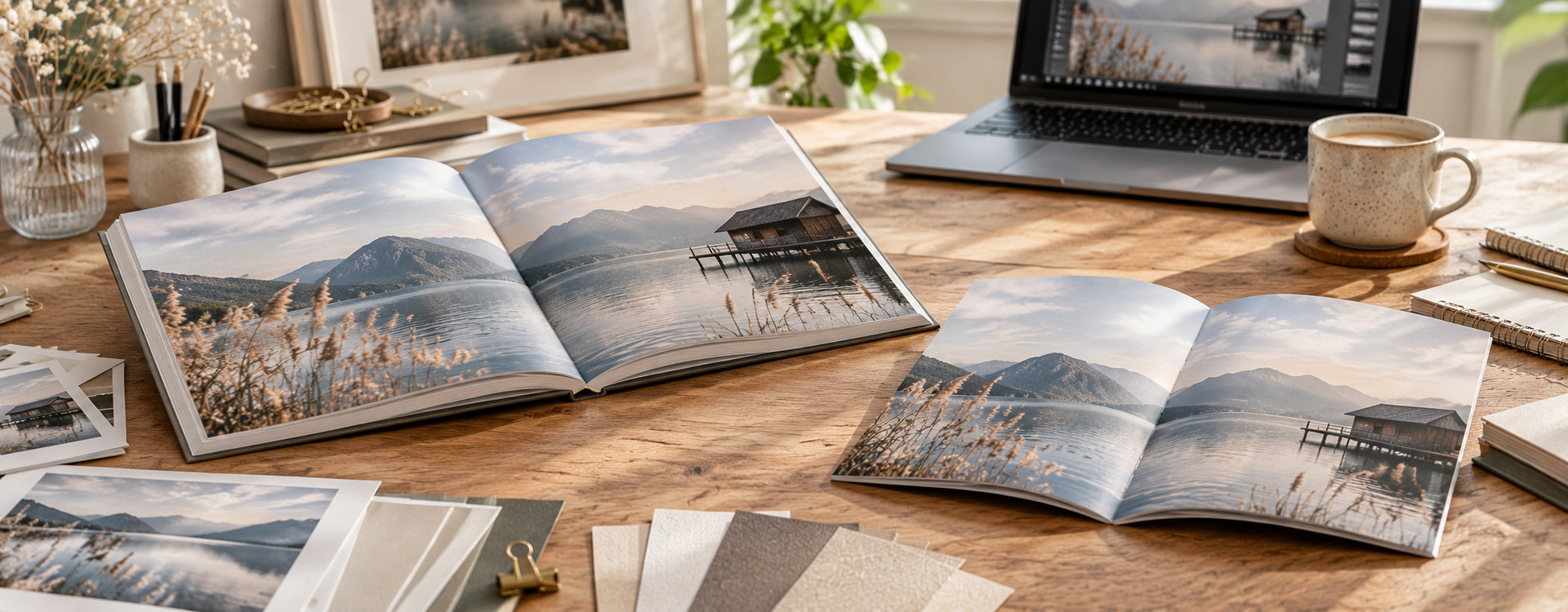
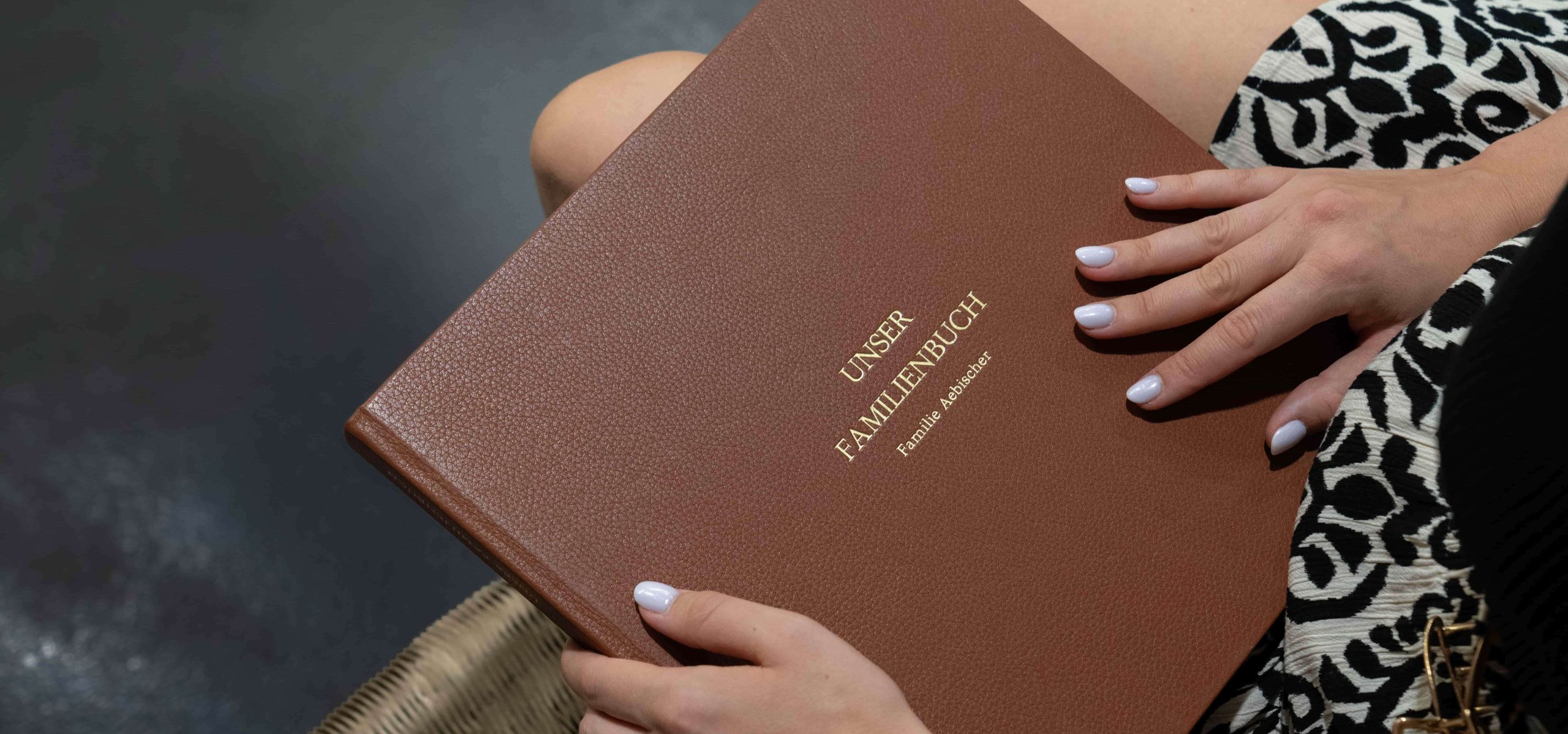
There are few legacies more valuable than your own story. By writing your family history or biography and preserving it in a beautifully printed book, you create a lasting keepsake for future generations. Old photographs, family stories, and personal anecdotes will never be forgotten. Many people feel overwhelmed by the amount of material they have and are unsure where to begin. With a clear structure, a little time and patience, and the right design tips, scattered memories can become a beautiful, tangible book project that will stand the test of time.
Research: How Do I Write My Story as a Book?
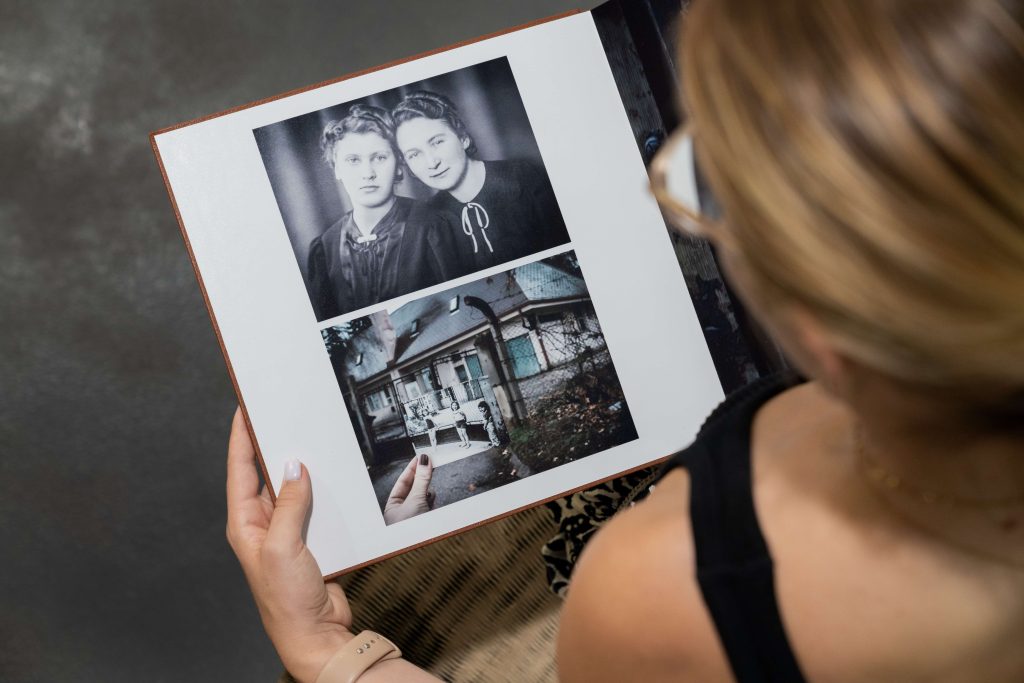
The first step towards creating your own book is carefully researching and organising all your sources. If you want to document your family history, browse through old photo albums, organise important documents and records, and, if possible, talk in depth with older relatives. It is best to record these conversations so you can later include valuable details, memorable anecdotes, and authentic quotations.
Once you have gathered your material, begin by creating a basic outline. Identify the most important milestones and life events. Remember that you do not have to include every single detail. A compelling book is built around meaningful moments, stories that reveal a person’s character, challenges they overcame, and the small, amusing experiences of everyday life. Start writing freely and simply tell the story without worrying too much about finding the perfect wording straight away. You can refine the language during editing. To make your family history truly engaging, focus on sensory details: What did your grandmother’s Sunday roast smell like? What sound did the old grandfather clock in the hallway make? These are the details that bring the past vividly back to life for your readers.
At Bookfactory, you have two simple ways to print your family history or biography as a premium-quality book.
If you have already designed your book in your preferred layout software, simply export it as a PDF and produce it easily using our PDF-to-Book configurator.
Don’t have any design software? No problem. With the free Bookfactory software, you can easily create your family history or biography yourself. Add photos, text, and personal memories, then design every page exactly as you imagine it. Step by step, you’ll create a unique book that preserves stories and memories for generations to come.
Choosing the Right Structure: Should You Tell Your Story Chronologically or by Theme?
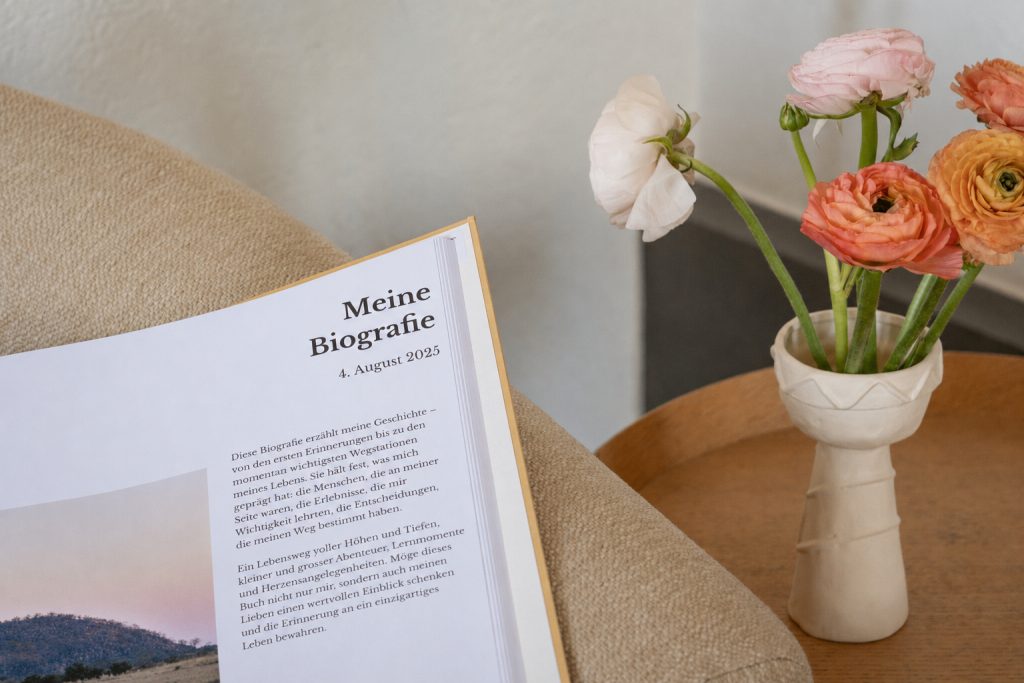
One of the most common questions when creating a family history concerns the overall structure of the book. Both approaches have their own advantages and largely depend on the amount and type of material you have collected.
- Chronological: This is the traditional approach. You begin with the earliest known ancestors and work your way through each generation to the present day. This structure is easy to follow and works particularly well if you have a complete historical record with many dates and documented events.
- By Theme: Life rarely follows a straight path. Organising your book into chapters such as “Family Tree”, “Travels”, “Careers”, “Celebrations and Traditions”, or “Love Stories” makes it more emotional and engaging. It reads less like a reference book and more like a captivating story.
Our recommendation from years of book design experience: A thoughtful combination of both approaches often delivers the best result. Divide the book into major periods or generations, then organise each chapter around clear thematic sections.
Which Fonts and Layouts Work Best for a Family History or Biography?
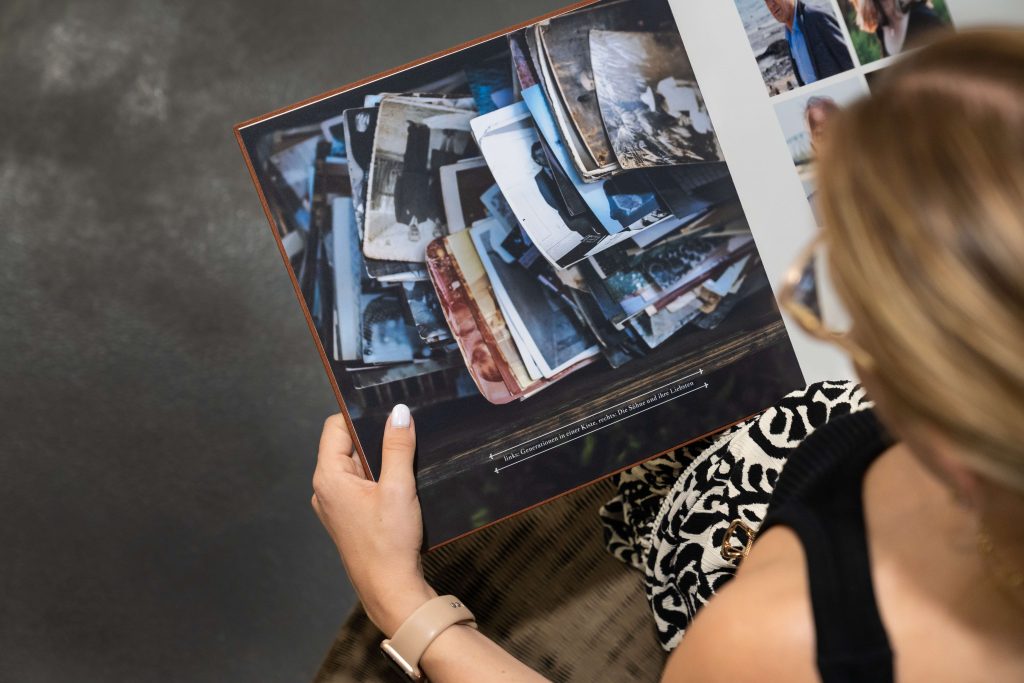
To showcase your carefully written texts and historically valuable photographs at their best, visual design plays a crucial role. A cluttered or overly busy layout will inevitably distract from your valuable content.
Choosing the Right Typeface
For longer passages of text, classic serif fonts such as Times New Roman are an excellent choice. The fine strokes guide the reader comfortably through each line and give the book a timeless, traditional appearance that perfectly complements historical content. For headings, quotations, or captions, create a modern contrast by choosing a sans-serif font such as Arial. To maintain a clean and consistent appearance, use no more than two or three different fonts throughout the entire book.
Tips for a Harmonious Book Layout
A book covering a lifetime—or even several generations—often contains a wide variety of images, from faded black-and-white photographs to modern digital pictures. Use generous white space to give your photos and text room to breathe. Display meaningful historical documents, genealogical records, or a hand-drawn family tree across an entire page to emphasise their importance. A classic, clean grid layout helps keep text and images balanced throughout the book. Start organising your material today and begin creating your own personal book project.
Frequently Asked Questions (FAQ)
How Long Should the Book Be?
There is no fixed rule for the ideal length. Some projects consist of forty pages filled with treasured memories, while others span more than two hundred pages packed with detail. Always focus on the quality and relevance of the content rather than trying to reach a specific page count.
Should I Type Out Historical Documents or Scan Them?
The ideal solution is a combination of both. Scan old letters, certificates, or diary entries in high resolution and include them as images (JPG or PNG) to preserve their authentic appearance. If the handwriting is difficult to read, add the transcribed text as a caption or place it clearly on the opposite page.
How Many Copies Should I Order Initially?
Thanks to modern digital printing, you can have your book produced from just a single copy. However, it is often worth ordering copies for close family members as well, as these books make deeply meaningful gifts for milestone birthdays, anniversaries, and holidays. If you plan a larger print run, we strongly recommend ordering a single sample copy first.